Harbor-grade workflows for teams using Cyberduck.
Dockyard Transfer Studio is a third-party workflow practice that helps research teams, creative studios, and operations groups build repeatable Cyberduck sessions. We focus on clean transfer paths, checklists, and handoffs that keep files moving without surprises.

Services that keep transfers on course.
We do not distribute Cyberduck or host downloads. We focus on making your usage safer and smoother by documenting how your team works, where files land, and who signs off.
We map endpoints, credentials handling, and folder conventions into a single reference card your whole team can follow.
Step-by-step checklists for common Cyberduck sessions, including pre-flight checks, validation, and wrap-up notes.
Focused enablement sessions for operators, researchers, and support staff who manage recurring transfers.
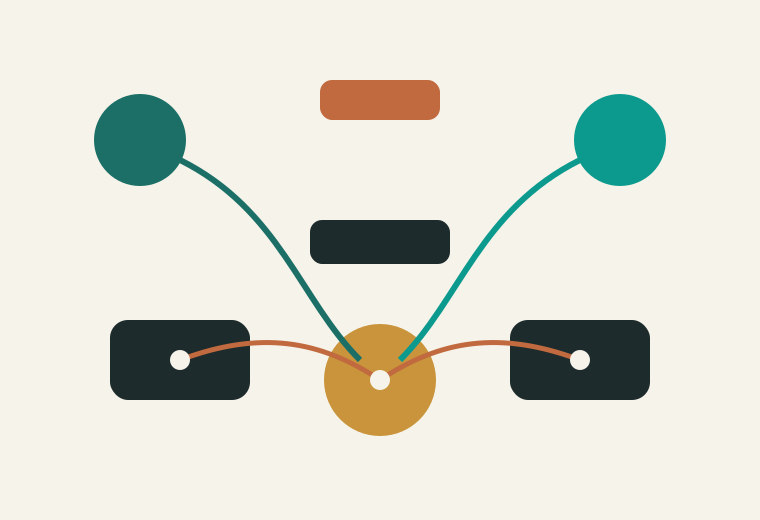
A visual map for every route.
We document the transfer journey from source to destination, identifying handoffs, approvals, and timing windows. Your team receives a living map plus a route table for weekly, monthly, or on-demand transfers.
Operational guardrails built in.
We help your team avoid missed checks, unclear ownership, and last-minute rushes by adding a lightweight operating model around Cyberduck sessions.
Define who can open, edit, and approve transfer profiles without spreading credentials.
Repeatable verification steps to confirm file integrity and destination readiness.
Clear escalation notes to track partial transfers, retries, and client notifications.

Evidence from real operations.
Average time saved each week when teams shift from ad-hoc transfers to a shared Cyberduck runbook.
Faster onboarding for new operators when session checklists are standardized.
Lost handoffs after implementing a transfer confirmation log and named owners per route.

What you receive.
A single source of truth describing each transfer lane, storage location, and retention window.
Slide-ready notes, checklists, and scenarios tailored to your Cyberduck usage.
Optional refresh session to keep the map updated with new routes and security needs.
Frequently asked questions.
No. We are a third-party workflow studio. We only help teams optimize how they already use Cyberduck.
We can document your transfer process, but compliance requirements remain with your internal teams and advisors.
Most workflow reviews are completed in 2-3 weeks, depending on the number of transfer routes.
Request a workflow review.
Share the routes you manage and we will return a proposed runbook outline within two business days.
Contact details
Dockyard Transfer Studio
214 Harborline Ave, Suite 5, Portland, OR 97204, USA
+1 (503) 555-0194
[email protected]
Office hours: Monday to Friday, 09:00-17:00 PT